Available now
Bookmarks
Collect web bookmarks with titles and context.
 HyperGooey
Create a Channel for your content. Give it useful interfaces. Let people explore it in their Mac—whether it’s a personal collection or a catalog for a team.
Collect your ideas & content.
Publish and share your channel.
Browse content in high fidelity macOS controls.
Every channel acts like a home with a name, an introduction, and an address. Add a Bookmarks or Collection Browser interface, then organize the content behind it. A Channel can have several interfaces, make them themed, or make them the zaniest collection on the internet.
Create your channel and build it's content our easy-to-use web application. Publish it out to the world in just one click, your subscribers will automatically get the updates.
Start your Channel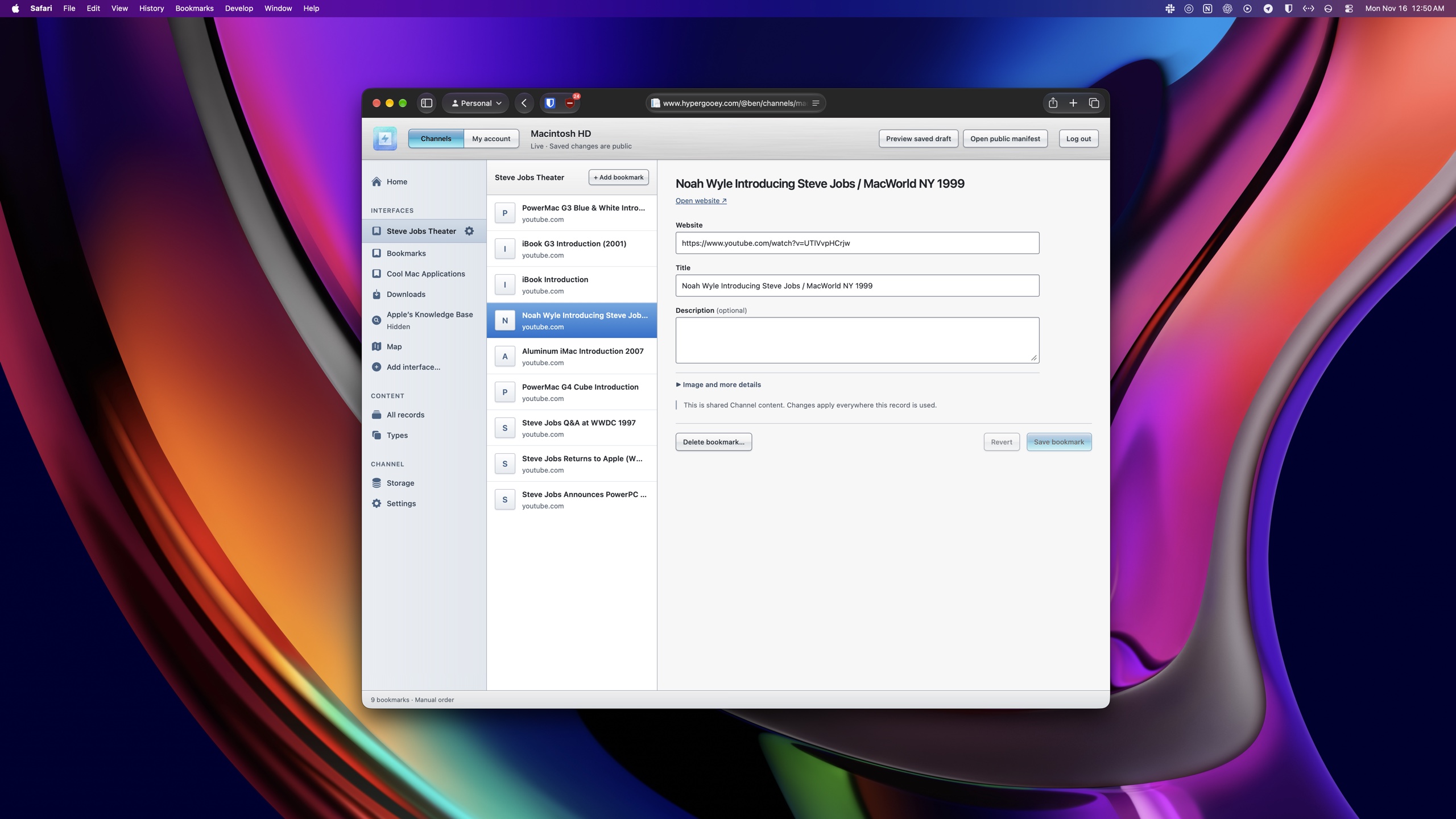
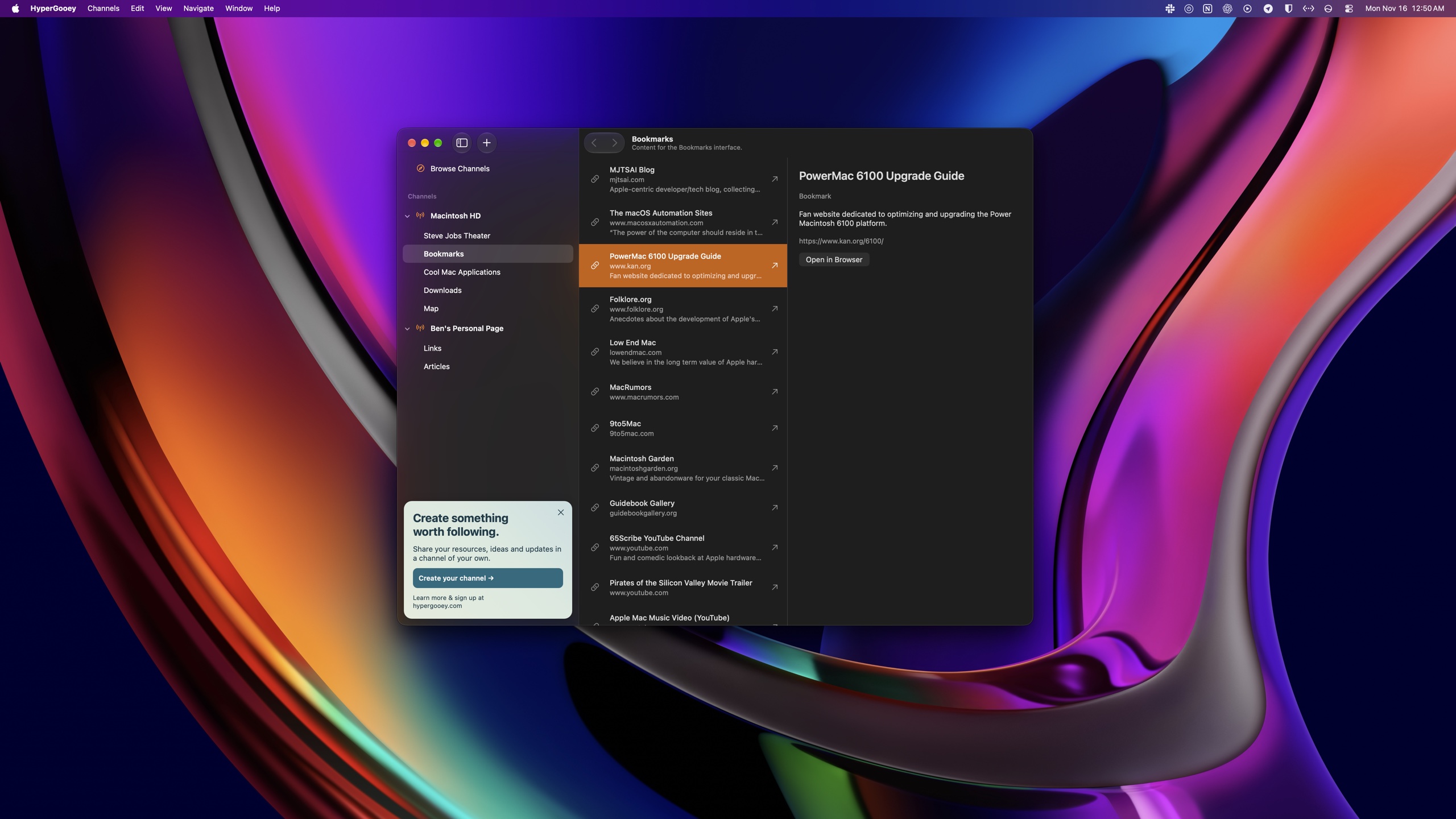
Add a Channel's public web address to the HyperGooey app. Its collections and content become native interfaces you can explore from your desktop.
Unlike the web on your browser, the channels you subscribe to in the HyperGooey app are cached and browsable, even when you're offline. They'll automatically resume updating as soon as your Mac reconnects to the internet.
You choose which Channels to add and which content to explore. HyperGooey presents each Channel’s collections and interfaces directly, rather than mixing them into an engagement-ranked social feed.
A list for links. A browser for a catalog. A player for audio. HyperGooey’s direction is a family of native interfaces, brought together inside your Channel.
Collect web bookmarks with titles and context.
Organize content into browsable collections and detail views. Build a catalog, a resource library, or a collection of work.
A Sherlock-inspired search interface that turns information from websites into useful listings. Managed search integrations may follow.
A table of materials to retrieve: documents, datasheets, resources, and other files.
A place for articles, editions, announcements, and updates from your Channel.
Give upcoming events a clear place in your Channel, with dates and details people can explore.
Stay tuned for even more interfaces like the ones below.
Give audio its own listening experience within your Channel.
PlannedLet people explore a collection of images through an interface made for viewing them.
PlannedBring demonstrations, stories, and other videos together in a dedicated viewing interface.
PlannedShare short posts and updates in a feed people can follow.
PlannedWhen you subscribe to channels, they're saved directly in the HyperGooey app, like a bookmark in your web browser. When new content gets published on that channel, it's automatically downloaded and an indicator marks the channel as unread.
No annoying notifications zapping your attention away from your real life. True chronological organization, stable content, and no digital Mandella effects.
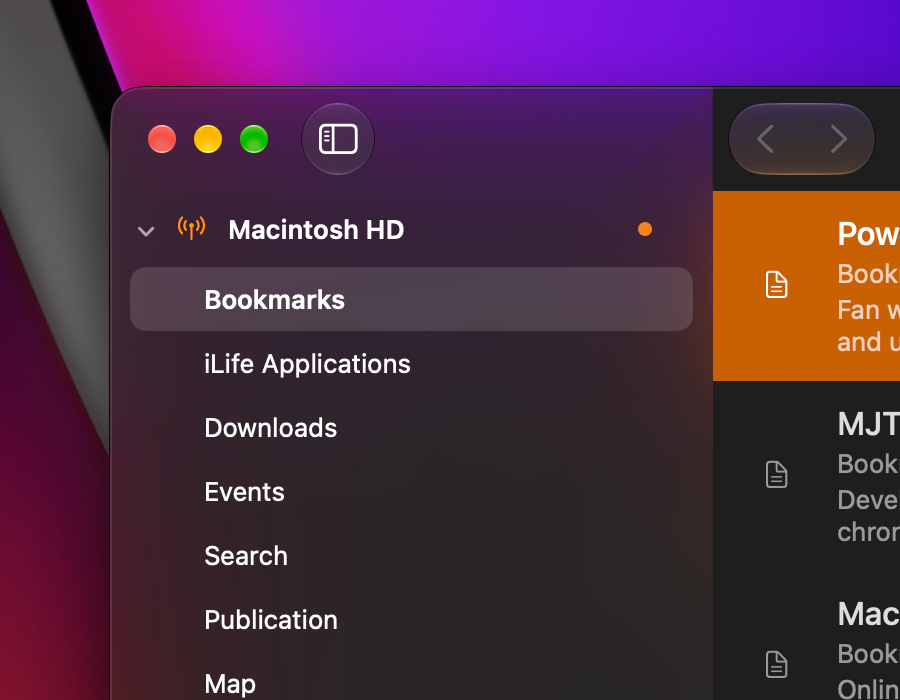
Create high quality content your subscribers will actually see.